Playing GILLA without feeling sick
Set a 2 m by 2 m boundary, play standing rather than seated, keep a real fan on you, and stop at the first sign of sweat. GILLA's own store listing rates comfort as Intense.
Checked 18 November 2026 against the Meta Quest store listing and gillavr.com.
GILLA's own store page rates comfort as Intense and asks for a standing or roomscale play space. That is not marketing caution: the game moves your body through space using your arms, with no stick and no cockpit to hide behind. Comfort here is a setup problem before it is a tolerance problem, and the setup takes about five minutes.
The setup that fixes most of it
| Setting | What to choose | Why |
|---|---|---|
| Play mode | Standing, not seated | The arm swing needs your hips to move with it |
| Boundary | A circle about 2 m across, drawn inside the furniture | You will lean and reach past it, not walk past it |
| Floor level | Recalibrate before every session | A floor set 5 cm wrong makes every push feel like a stumble |
| Turning | Physical turning where the room allows | Removes the eye/ear mismatch completely |
| Session length | 20 minutes, then out | Comfort debt shows up late, not during |
None of that is in the game's settings menu, because none of it is a game setting. It is how you stand in your room.
Why this game in particular
Three things stack up in GILLA that do not stack up in a seated shooter:
- No cockpit. There is no vehicle frame, no window, no dashboard. Your whole field of view is the world moving.
- Acceleration from zero. A stick moves you at a constant rate; an arm push is an impulse. Your inner ear notices impulses much more than steady motion.
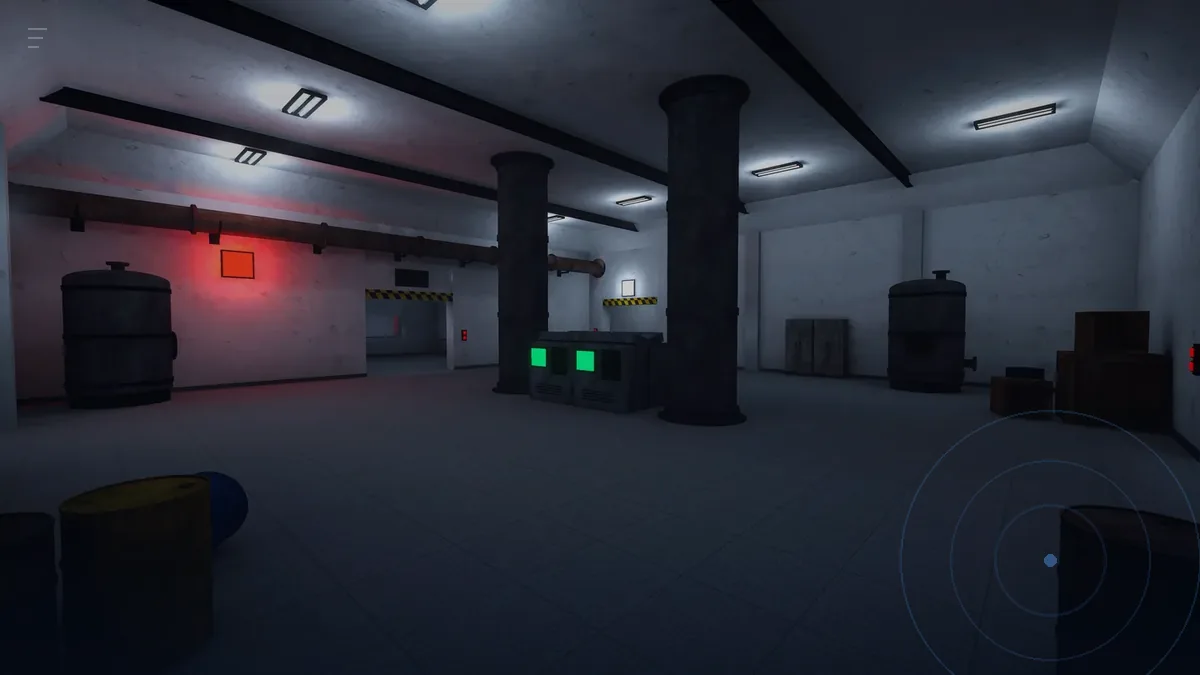
- Verticality. You go down into the base. Drops and climbs are the two motions that get people who are fine on flat ground.
The store page's comfort rating is the developer telling you the same thing in one word.
A first session that does not end badly
- Ten minutes alone, no voice. Join ROAM by yourself. Learn one push. Do not chase loot.
- Stop at the first sign of heat. Behind the ears, in the neck, or a sudden urge to swallow. Take the headset off for five minutes.
- Sit down, then go back in. A short break with the headset off resets more than a long break in a menu.
- Fan on your face. Low speed, aimed at your cheeks. It gives your brain a fixed reference point that does not move with the game.
- End on a win. Bank one item, then quit while you feel fine.
The three symptoms and what each one means
- Sweat and heat in the first five minutes. Almost always a room problem: too warm, too tight a boundary, or a headset strap too loose so your head is doing micro-corrections.
- Nausea that builds over ten minutes. Motion mismatch. Physical turning and a still head while pushing are the fixes.
- Headache after the session, no nausea. Usually brightness and fit, not motion. Drop the headset brightness a notch and loosen the top strap.
If you get the headache but not the nausea, the movement is probably fine and you are simply playing too long in the dark. If you get nausea but no headache, it is the movement, and moving with your arms covers the head-still technique in detail.
Settings worth changing before your first room
GILLA itself is light on comfort options: the store listing describes standing and roomscale play and does not advertise a teleport mode or a vignette. What you can control is the headset layer.
- Boundary style. Use the visible grid, not the faint one. You will look at it more than you expect while learning wall kicks.
- Tracking frequency. If your room has mirrors or a low sun angle, tracking drops and the world swims. That reads as nausea but is not.
- Audio. Keep game audio on the headset and nothing cast. A Bluetooth speaker adds a delay that makes voices land wrong, which is worse in a game where voices come out of a mouth in 3D.
When to wait for a patch instead
If your first two sessions both end with nausea inside fifteen minutes, stop for a week and check whether the build has changed. 0.1.0 is the first public version and comfort-related patches are exactly the kind of thing that lands early. The version you are on is on the store listing, and what 0.1.0 actually has covers what is in this build and what is not.