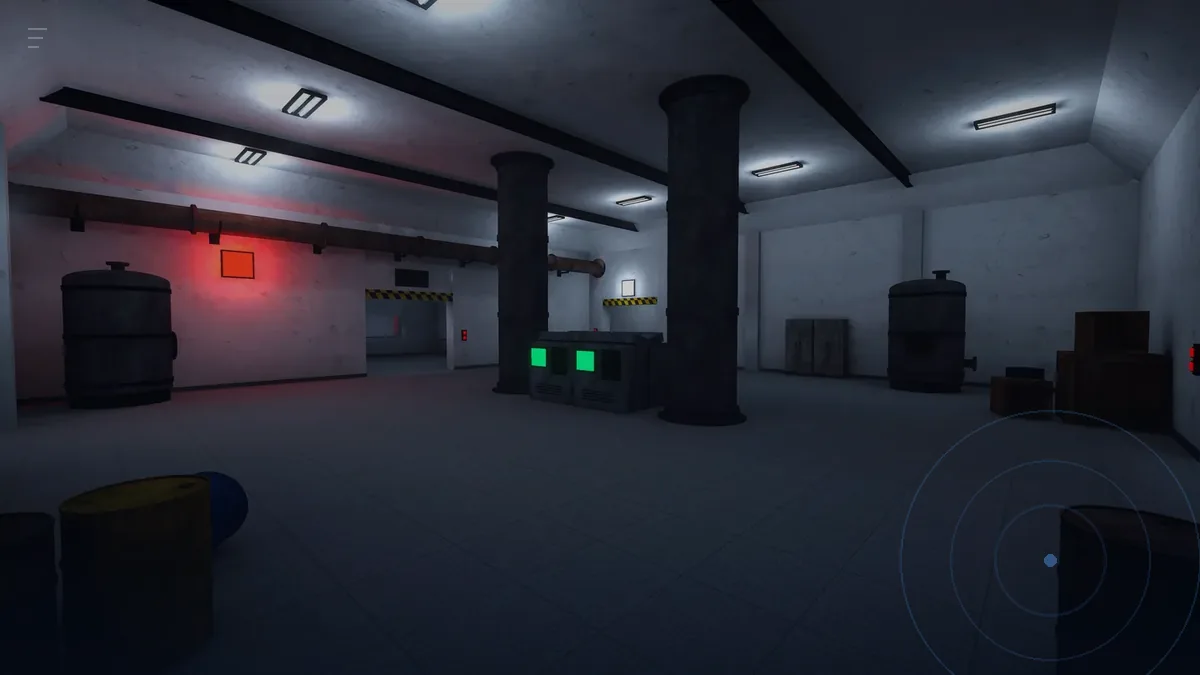
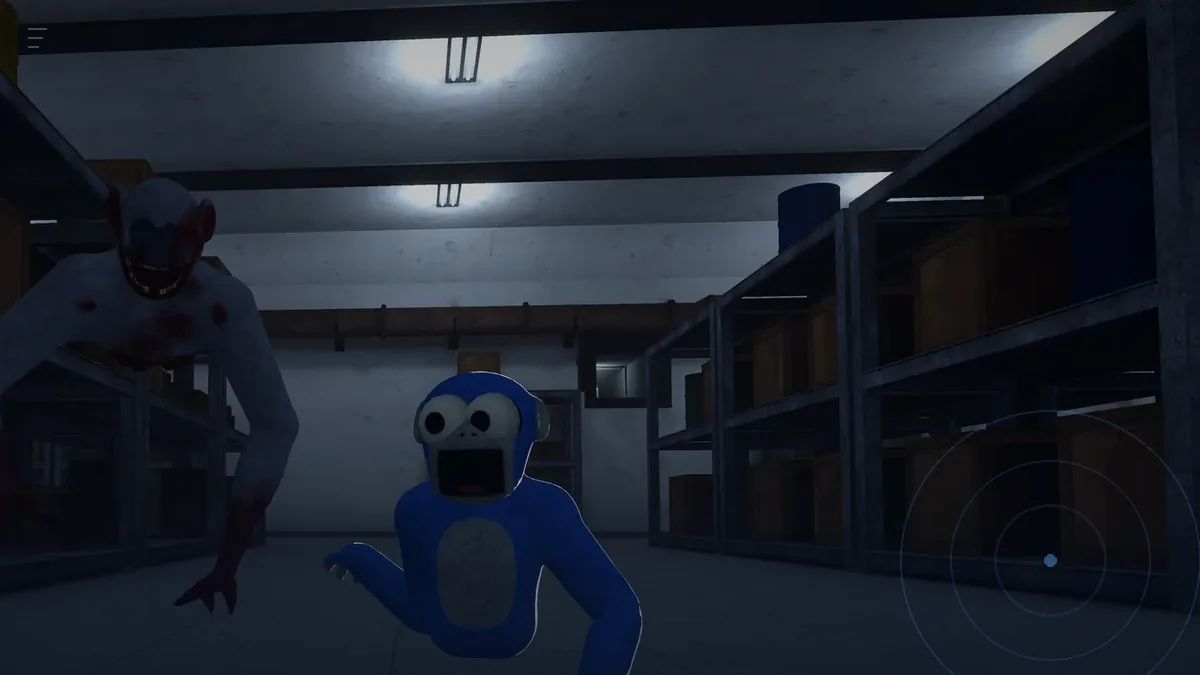
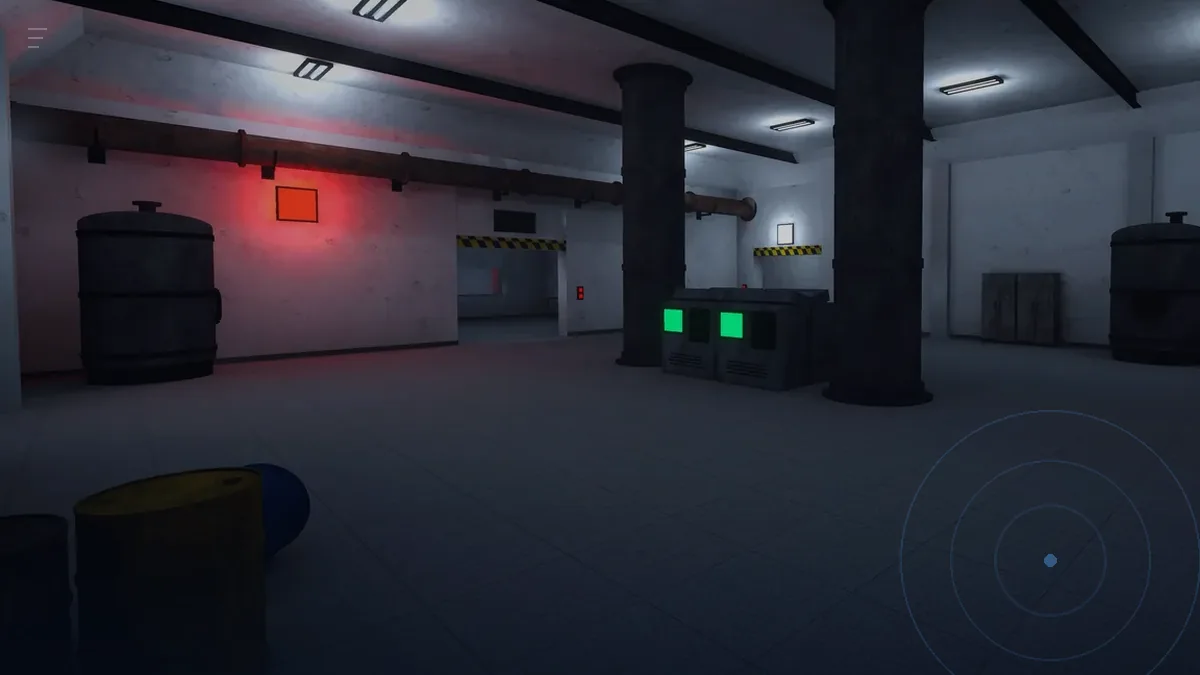
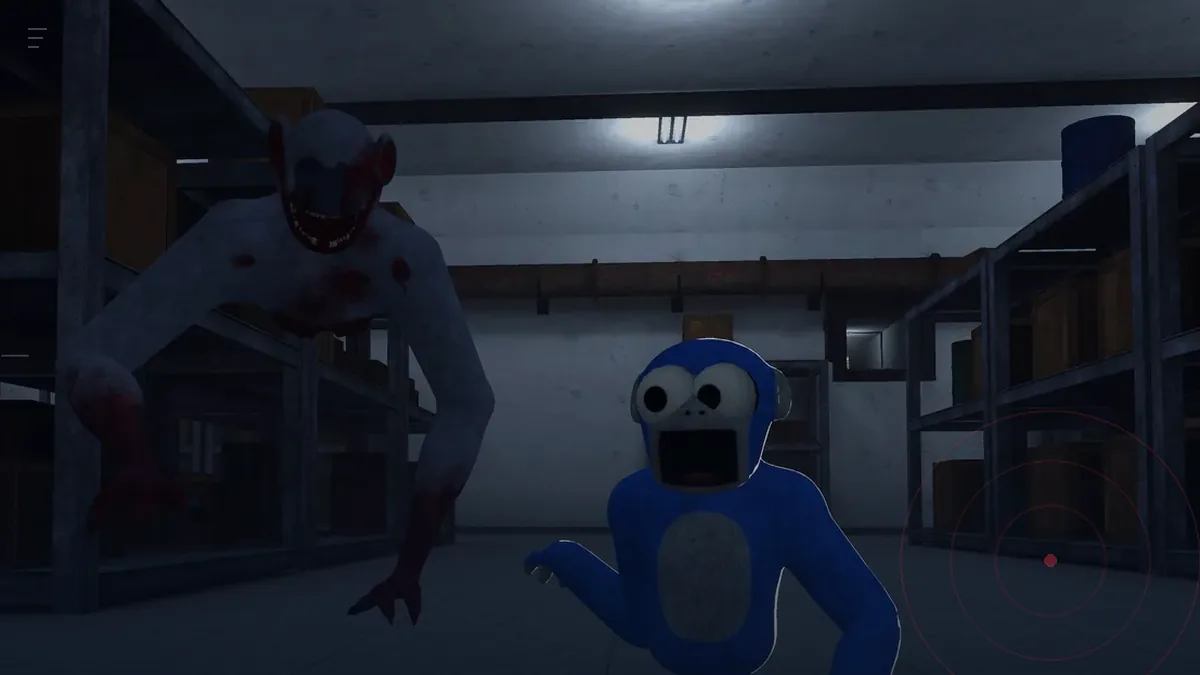
Recording GILLA
GillaCAM is GILLA's LIV camera kit for recording and streaming, and the developer's privacy policy lists it as part of the game's systems. Capture from a PC or phone companion rather than on the headset, and record a short test clip before a full run.
Checked 18 November 2026 against the game's privacy policy, gillavr.com and the Meta Quest store listing.
GillaCAM is GILLA's camera kit: a LIV setup for recording and streaming, named in the developer's privacy policy as one of the game's systems. It is the piece of the game most players never open, and the one that matters if you want footage that is not a shaky first-person capture.
What GillaCAM is
LIV is a mixed-reality capture tool: it puts a virtual camera into the game world so you can film a player from outside their eyes. GillaCAM is that kit, built for GILLA's apes.
What that gives you, in practice:
- A third-person view of an ape. First-person VR footage is hard to watch for anyone who was not there. A camera outside the body fixes that.
- A stable frame. The camera does not inherit your head movement, so viewers do not inherit your nausea.
- Mixed reality compositing if you have the setup for it: your real room behind the game, with the ape in it.
Before you record anything
| Check | Why |
|---|---|
| Storage space | A capture at full resolution fills a headset fast; the game alone is about 1,020 MB |
| Battery or link cable | Capture is a battery tax on top of the game |
| A short test clip | Two minutes of test footage saves a whole session of unusable takes |
| Voice settings | Your mic is in the recording; decide whether you want it |
| Comfort | Long takes with a camera running are longer than they feel |
A capture routine that produces usable footage
- Record a ten-second test in the lobby. Check the framing and the audio before you go into a mood-lit corridor where you cannot see the result.
- Pick the moment before the round. ROAM looting is slow; the interesting seconds are the ones with a monster in them, and you cannot predict those.
- Use continuous capture rather than highlights. In VR you cannot hit a hotkey mid-panic. Record the whole run and cut it later.
- Keep sessions short. Twenty minutes of capture, then stop. The quality of your play drops long before the quality of the footage does.
- Capture the aftermath too. The ten seconds after a wipe are usually the funniest part, and they are the part people cut too early.
The performance question
A camera running inside a VR game costs frames, and GILLA is already an arm-locomotion game where a dropped frame is a body moving where you did not aim it.
- Record in the mode with the least going on. Don't Splash is short rounds with a fixed route; ROAM is the most demanding because of the monsters and the voice.
- Do not stream and play your first session of the night at the same time. Learn the route unrecorded, then record the route you know.
- If the capture software runs on a PC, keep it on the same network and wired if possible. Wireless capture plus wireless headset is two chances to drop.
What to do with the footage
The developer's fan content page is unusually clear about this, so here it is in order of what is allowed:
- Yes: stream it, record it, edit it, post it, earn from it through ads, subscriptions, donations or sponsorships.
- Yes: use the game's name and screenshots to talk about it in reviews, guides and wikis.
- No: rip models, textures, animations or audio out of the game files.
- No: share extracted assets, or put them in another game, avatar or app.
- No: use the assets to train AI.
That is a friendlier policy than most VR games ship with. Crediting the game and linking to its site is appreciated rather than required, but it costs you one line in the description.
Where this fits in a session
Recording is a separate activity from playing well, and the players who do both usually split them: one session to learn a route, the next to capture it. If you are still learning to move, moving with your arms will do more for your footage than any camera setting.