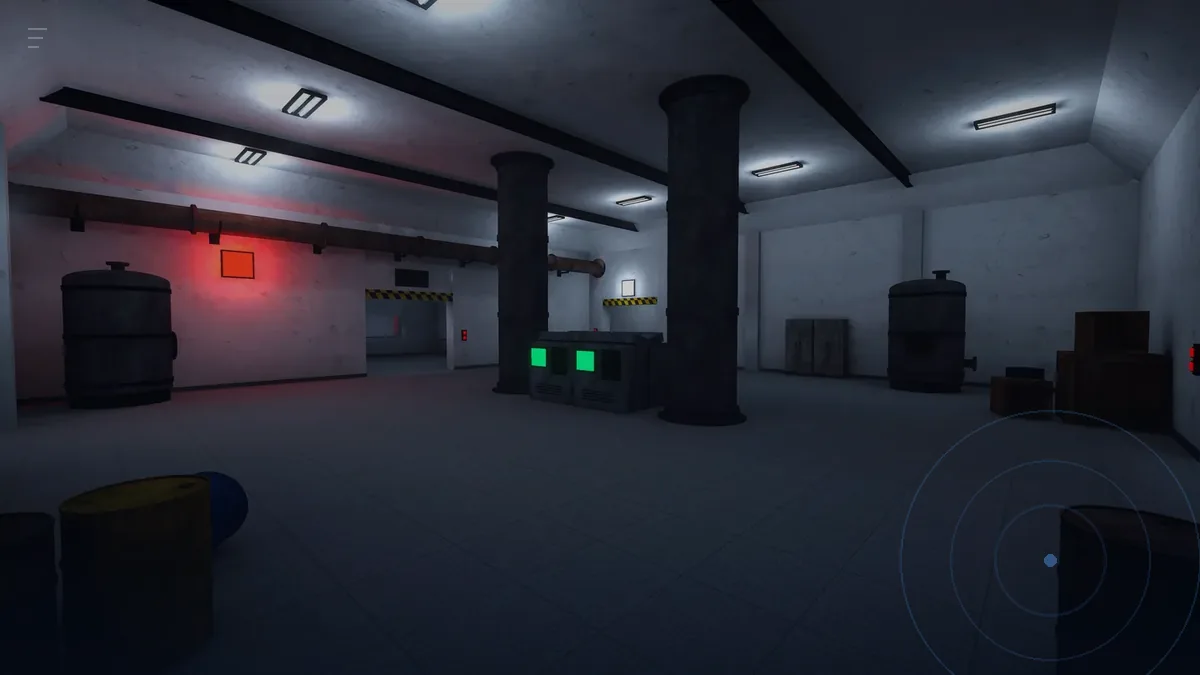
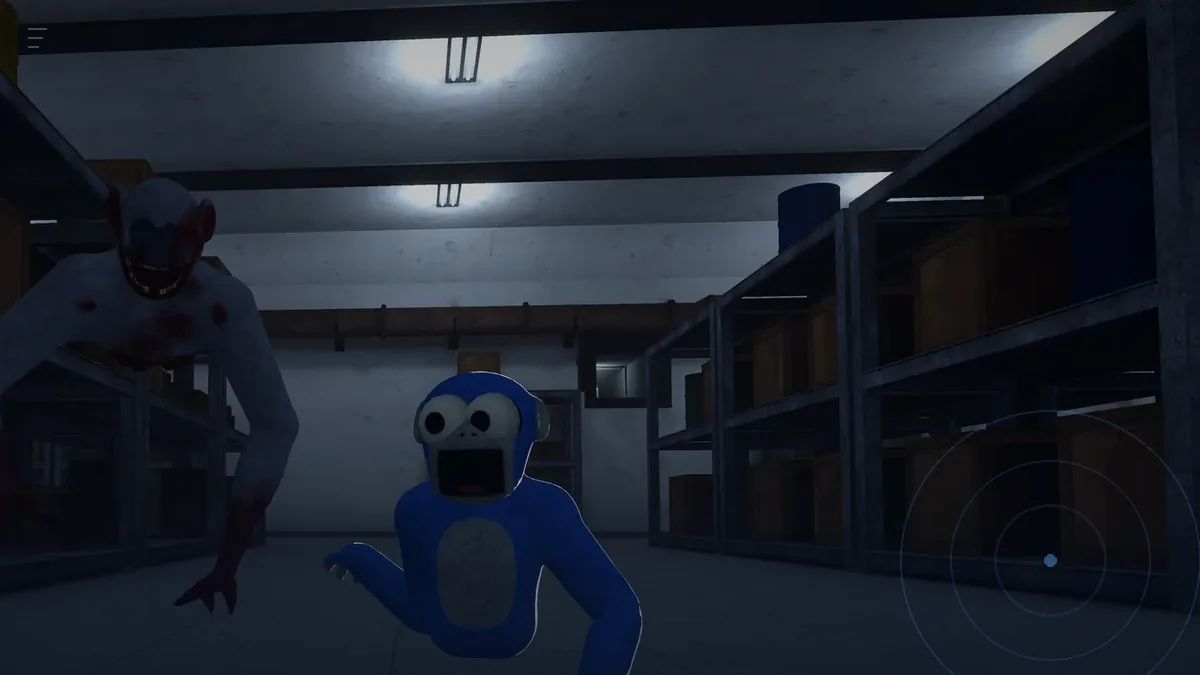
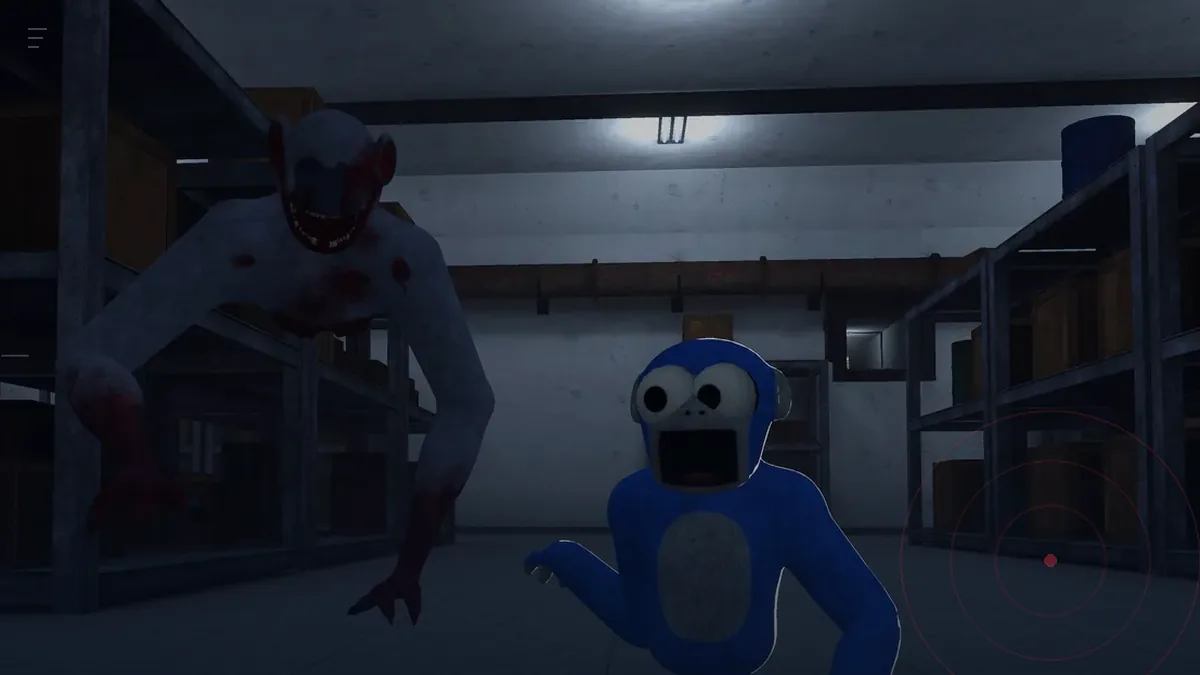
When nobody can hear you
Check the Meta mic permission for GILLA first, then that game audio is going to the headset and not a cast device, then rejoin the room. A full game restart fixes the silent-room state several players describe in store reviews.
Checked 18 November 2026 against the Meta Quest store listing and its player reviews.
You load into a room, someone is clearly talking, and you hear nothing. Or you talk and nobody answers. Both versions of this appear in the game's store reviews from the first week, and in most cases the problem is not the game's voice chat, it is one of four layers between your mouth and the room.
The four checks, in order
- Platform microphone permission. The headset grants microphone access per app. If GILLA is not allowed, the game receives silence and shows nothing wrong. Check this first, every time.
- Audio output. Game audio should be going to the headset, not to a cast device, a Bluetooth speaker or a TV. If you are casting, the headset may still route voice to the cast target.
- The room itself. A private room with a broken code can load you into an empty instance where nobody can hear anyone, because there is nobody. Confirm you are in the room other players are in.
- A clean restart. Close the game fully, restart the headset, relaunch. Reviewers describe a state where the game reports them offline and voice stops working until they do this.
If it is only one person who cannot be heard
Work out which direction the failure goes before you change anything.
| Symptom | Likely layer | Fix |
|---|---|---|
| You hear everyone, nobody hears you | Your mic permission or your mic | Platform settings, then rejoin |
| You hear nobody, they hear you | Your output routing | Switch audio back to the headset |
| One player is silent to everyone | Their mic, not the room | They should restart, not you |
| Everyone is silent | Room or session problem | Rejoin, then restart the game |
The offline state
Several reviews describe the same sequence: the game tells you that you are offline, joining fails, and it stays that way. One reviewer says it cleared "until the next day". Another says a restart was what fixed it.
The order that costs the least time:
- Return to the lobby and try a public room. If that works, the private room was the problem.
- Close GILLA from the system menu rather than backing out to the launcher.
- Restart the headset.
- Relaunch and join a public room first, then a private one.
If all four fail, you are dealing with the account side, and no amount of reinstalling a one-gigabyte game will help. Wait, or play something else and come back tomorrow. The full issue list is in known issues.
Why voice is worth fixing properly
It is not a social feature bolted on. Whole mechanics depend on it: the Grinner comes to the sound of talking, and a team that cannot coordinate cannot run the keycard route. A silent room is a harder game.
That also means fixing voice badly can make the game worse. If your mic picks up room noise, the game hears the room. Use the headset microphone, keep game audio on the headset, and mute when you are near a monster.
Settings worth knowing before you debug
- Voice is per room, not per party. There is no separate party channel in this build.
- Muting another player does not mute you. If you need silence near the Grinner, mute yourself.
- The lobby is where social controls live. The leaderboard has mute and report; mid-round, use the platform menu.
For who to mute and when, read sound is the alarm. For the social controls themselves, muting and reporting.